
 Four
money desks: academic, practical, accessory, prospectus
Degree college ERP
The whole session, on one desk.
Admissions, prospectus, academic and practical fees, accessories, attendance, exam forms, associates, and the day book. One college or a group of them, with an operator, a college admin, and a super admin.
- Prospectus
- Admissions
- Fee heads
- Attendance
- Exam form
- Day book
- Session on file
- Receipts to the day book
- Operator, admin, super admin
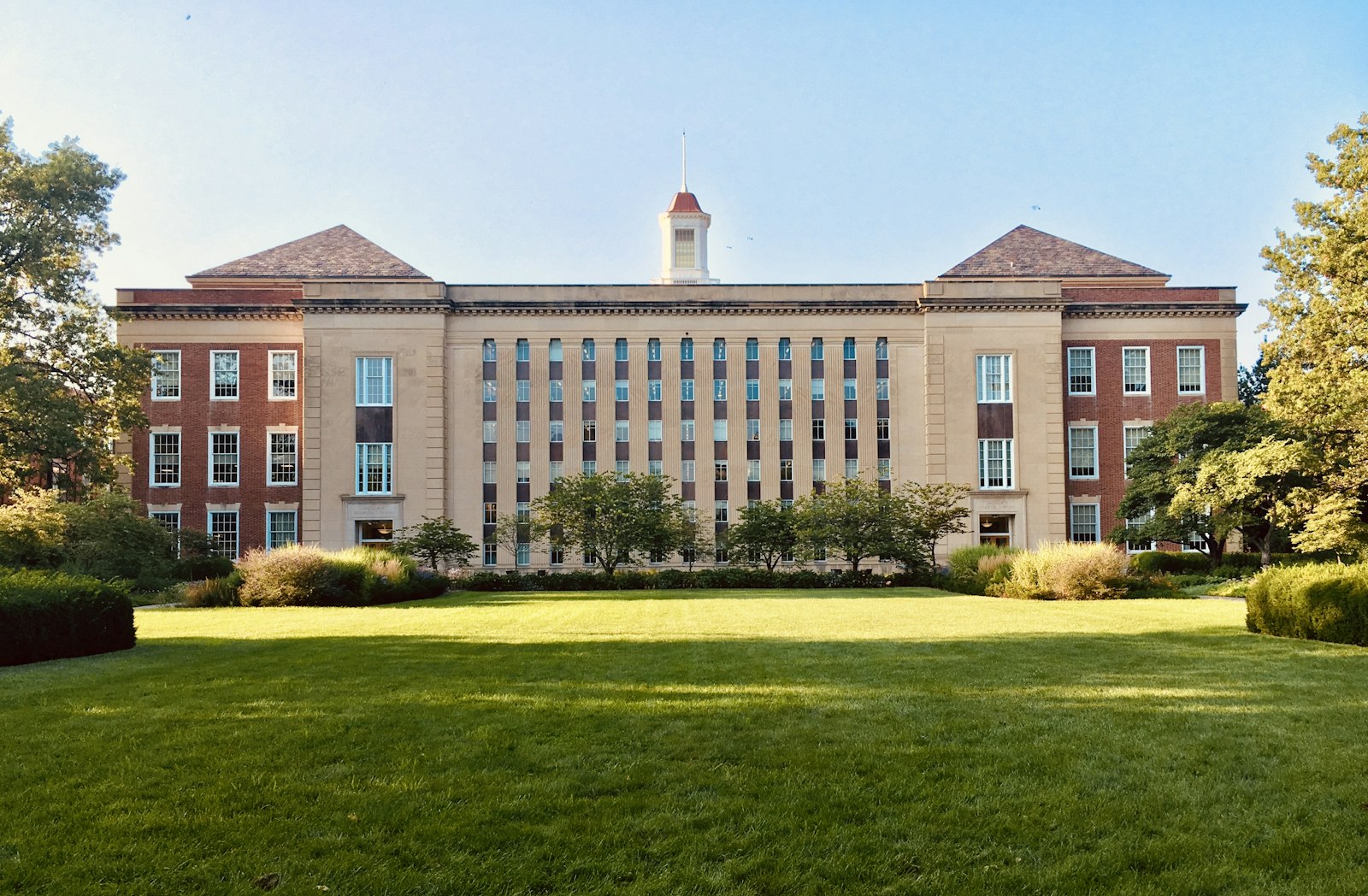
A model of the campus. The cards in orbit are the desks: admissions, fees, attendance, and the day book.
Four
money desks: academic, practical, accessory, prospectus Three
roles: operator, college admin, super admin
 Two
renewal cycles stored on the college: monthly or yearly
 Reports
course, category, religion, minority, fee head, day book, bank book




A working day
From the form to the day book.
The live desk on this site follows the same path the office walks in the application.

01
Prospectus
Sell the form, name the associate, and the amount lands in the day book.

02
Admission
Open the student file: course, semester, category, minority, and the transfer certificate.
03
Fees
Take academic, practical, or accessory money against a fee head and print the receipt in the book.

04
The day
Mark attendance for a course and semester, and record who has filled the exam form.

05
The close
Read the day book, then the course, category, and fee reports the office already asks for.
Modules
The screens a degree college actually opens.
Front office
Admissions
The student file the university already expects: UIN, parents, category, caste, religion, minority, subjects, Aadhaar, last institute, TC, and contacts.
- University UIN
- Form number
- Student, father, mother
- Date of birth and gender
- Category, caste, religion
- Minority
- Major and minor subjects
- Address
Accounts
Fee collection
A receipt against a student and a fee head. Cash, UPI, or bank.
Front office
Attendance
Mark a course and semester for the day, then see who is still unmarked.
Front office
Exam form
Keep a filled or open flag on each student, and a report of what is still pending.

Accounts
Day book and bank book
The day's cash and bank movement, plus a bank book of its own.

Governance
Colleges
Each college keeps its own name, validity, plan, and subscription amount.
The student file
Built for the form the university already uses.
Category, caste, religion, minority, subjects, the transfer certificate, the last institute, and the associate who brought the prospectus. The desk keeps them on the admission, not in a side spreadsheet.
- University UIN
- Form number
- Student, father, mother
- Date of birth and gender
- Category, caste, religion
- Minority
- Major and minor subjects
- Address
- Aadhaar
- Last institute
- Email, phone, WhatsApp
- Associate
- Transfer certificate (TC)
- Exam form
- Course, semester, session

Sample file
Aisha Siddiqui
B.A. · Semester 1 · Session 2026–27
- Father
- Imran Siddiqui
- Category
- General · Minority
- Form
- P-1860
- Open fee
- ₹18,500
Fictional student. She is waiting on the live desk.
Who signs in
The office, the admin, and the group.

Operator
Sells the prospectus, admits the student, takes the fee, marks attendance, and updates the exam form.

College admin
Keeps courses, subjects, sessions, fee heads, associates, and permissions. Promotes a class into the next semester.
Super admin
Opens colleges and renews each one. Every college keeps its own amount, plan, and valid-till date.
Walk Northbridge before you talk about your own college.
The sample campus is fictional and resets when you refresh. Admit Sana Qureshi on form P-1844, take a fee from Aisha Siddiqui, then open the day book.